@manton Woohoo! 🎉
Replies
@Moondeer Yeah, I stumbled upon your plug-in; it’s awesome and way more polished than my approach. Mine is mostly a proof of concept. Nevertheless, I thought it worthwhile to experiment with monkey patching the built-in highlight shortcode for two reasons.
First, it works without JavaScript, and second, Hugo template code “just works.” So no jumping through hoops is necessary.
But, with @manton rolling out changes today, my plug-in will probably soon be obsolete.
@matti @moondeer We could monkey patch the built-in highlight shortcode to play better with Micro.blog. As an interim solution until @manton updates Hugo to a newer version. I have a plug-in working with decent results on the default theme.
Feel free to install and play around with Highlight Monkey. 🙈

@canion Your question improved my documentation; there’s a Customize the look and feel section now. Thanks!
@canion Yes, absolutely. The first thing to try is wrapping the partial call inside a paragraph (p element). In this way:
> <p>{{ partial “reply-by-email.html” . }}</p>
That should result in the same amount of breathing space text paragraphs have between them. If that’s not enough, there’s also CSS for flexible styling. But give the above a try first, and let me know how it goes.
@ChrisHannah This resonates with me. I adore keeping a mix of new and seasoned technology around. My favorite version of Tetris is for Game Boy, so I will try keeping that old gray brick healthy until the end of time.
I also enjoy repurposing old gadgets. I have an old e-reader that I should breathe new life into. Put a good-looking frame around the e-ink screen and hack the device to show something useful. Maybe the current electricity price? That way, I can tell if it’s a good time or not to do laundry. 😅
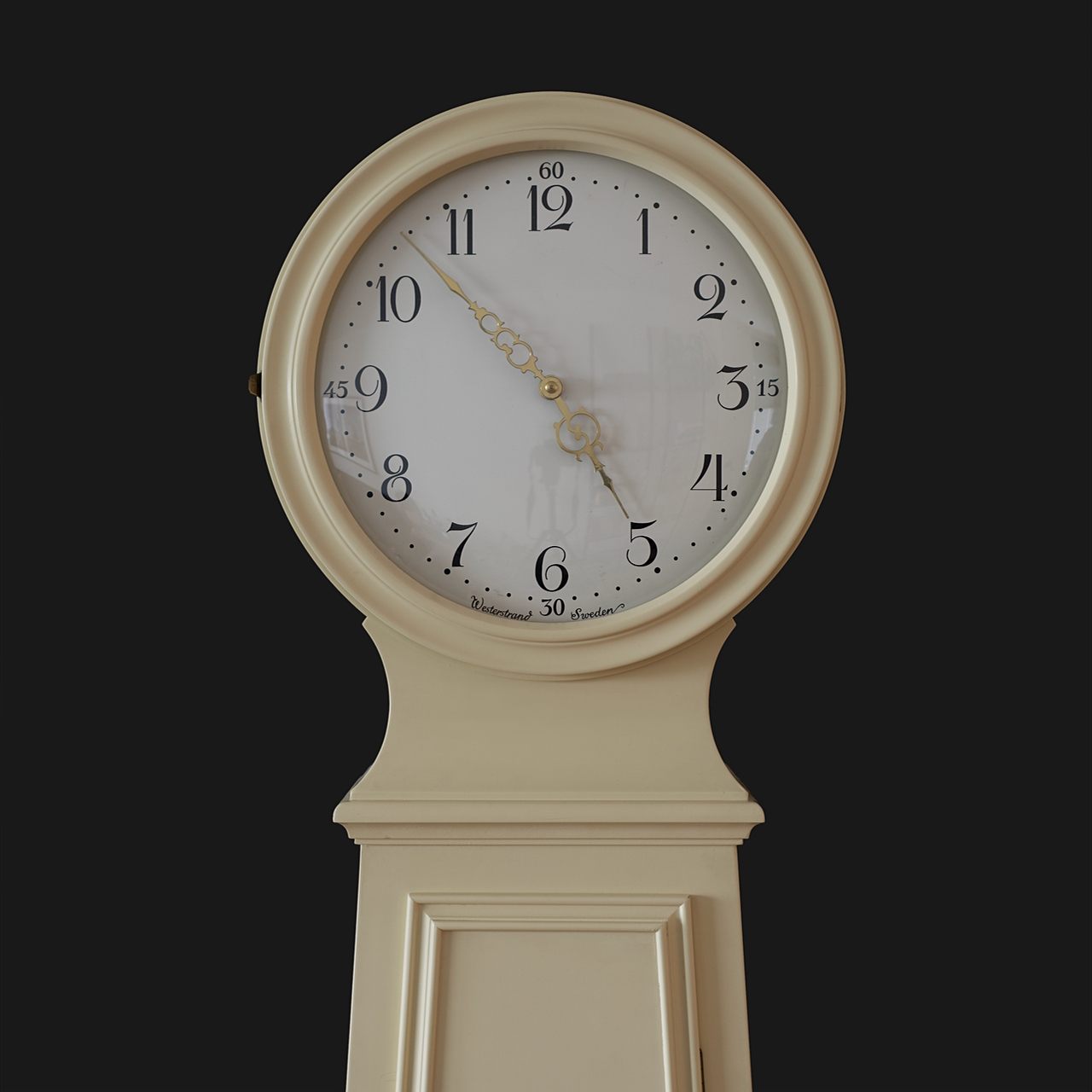
My favorite old product, though, is a mechanical clock that once belonged to my grandpa. It ticks along tirelessly and has done so for the last 60 years.
My Game Boy turned 32 last year. I hope it’s still alive and well in 2049.
@manton Nice! A footer is an excellent place for a surprise. 😊 I clicked and just learned that you got rid of some HTML tables and implemented your design with hack-free CSS back in 2006. Good work, past Manton! 💪
@JohnPhilpin Oh, thank you for checking out! 😊
@manton Thanks! It definitely makes sharing plug-in easier.
@JohnPhilpin Congrats to 1,496 days on Micro.blog! 🥳
@jemostrom Tasty! 😋
Thanks, everyone, for checking it out. 🥰 @ericmwalk @canion @lmika @svenseebeck @crossingthethreshold
@JohnPhilpin You can at least figure out how long you’ve paid for Micro.blog at Account → View Subscriptions. If you, like me, tend to keep old emails around, you might be able to search for “Welcome to Micro.blog” and find out your registration date that way.
@pimoore Hmm, I tested with Tufte during development, and john.philpin.com/surprise-… looks okay. Can you tell me in which way it’s not working for you, @JohnPhilpin? Do you see any errors?
@g 🥰 Tack för att du testar. Såg att du redan hunnit installera på din blogg, och det verkar ju funka hur bra som helst.
Want to see it in action? Follow this link, and you should end up on a random blog post of mine: Oh! the suspense. 🎲
@manton Oh, that makes me happy. 😊 Poke me if you find something weird or buggy.
@maique Thank you for testing. Let me know if you find some pesky bugs. 🐛
@maique Oh, that looks delicious. 😋 I might take up this practice as well. One routine in our household is adding joke items for the significant other to find during shopping: hugs & kisses, a life, poop, etc. A very grown-up thing to do. 😊
@gr36 Woohoo, great work! 🎉
@maique 😂 So, are the list items only emoji or emoji with text? Emoji-only groceries lists sound like a great way to make shopping a fun challenge.
@samwightt Hello and welcome!
@Cheri I won’t tell. 😊 Nice cover art on that one.
@amit Ah, regional differences suck, it’s on Audible in the US. 😢
@muan Reads to me like a pretty great first day. How did you find Disco Elysium?
@amit You might enjoy Mr. Penumbra’s 24‑Hour Bookstore by Robin Sloan.
> It’s a tale of books and technology, cryptography and conspiracy, friendship and love. It begins in a mysterious San Francisco bookstore, but quickly reaches out into the wider world and the shadowed past.
@cygnoir Mouthwatering!
@renevanbelzen Sure, most things are automatable. But in this case, I’m sure @manton would rather find and fix the root cause instead of me and you patching up the symptoms, though. 😊
@jemostrom Verkligen. Ändå tog jag min sked, krusade ytan och ödelade alltsammans till oigenkännlighet strax efter att bilden togs. Så dumt.
You and me both, @odd. Mine ended up in the trash. 😅
@Jeena 😱
@cygnoir Here’s how to add the bookshelf page to the main menu.
- Go to Design → Edit Custom Themes.
- Click Moondeer’s Bookshelves followed by content/bookshelf.md.
- Add a new line with
menu = "main"right below the linetype = "bookshelf". - Click Update Template and wait for your site to rebuild.
- Celebrate! 🎉
@amit If you’re comfortable with JavaScript, you can add the query parameter format=jsonfeed to the URL and get JSON in return. Then it’s up to you what to do with that data and render it any way you see fit.
@cygnoir You could try forcing a complete rebuild and see if that helps. Button on this page.
@pimoore Great idea! That will make it even easier for people with Tufte installed. How will you go about adding the partial call to the template? I guess you have to safeguard, so the theme won’t blow up if the person doesn’t have my plug-in installed.
@toddgrotenhuis Ah, edge cases. 😊 I wrote documentation specific for the Tufte theme, actually. For the “theme gallery” version, though, not the plug-in version. But it might be close enough? Please try the Tufte-specific instructions and get back to me if you get stuck again.
@cygnoir @skoobz Yepp, it will work just fine with Tufte. Of course, every theme is different, so the actual inclusion of the link might differ depending on your setup. But the plug-in should be compatible with most themes.
I’ve evaluated the beta version of the plug-in with Tufte and documented one installation approach here.
Okay, fellow beta testers. Start your engines. 😅 If you want a reply on Micro.blog link, follow the installation instructions for the Conversation on Micro.blog plug-in. If you get stuck, I’m here. @toddgrotenhuis, @JohnPhilpin, @cygnoir, and @object_required
Given your activity in another thread, you might be interested in this, @cygnoir, @toddgrotenhuis, @JohnPhilpin, and @pratik. 😊
@artkavanagh, I think you’re doing it right. But something weird is going on with micro.artkavanagh.ie. I can’t reach it from Safari or Firefox on my machine. Looks like some kind of certificate error.
Try editing your reply and use an image from a different website.
@odd Photos are already possible in replies using Markdown. So misuse away. 😇

@jeremycherfas Yeah, I hear you. 😊 Would a built-in sharing function be less manual, though? I tried Newsblur’s share to Twitter option just now, and the experience was pretty similar. I ended up with a tweet draft and had to manually hit the Tweet button to post.
@jeremycherfas Maybe it’s not what you want, but couldn’t you just tap the article’s title to open up the web view and from there share the link to your preferred Micro.blog client?
@maique Thanks! Hehe, maybe I’m not the only developer with a couple of days off from work around the holidays. 😅
@pratik This is the line to blame. As always, it can be fixed in a lot of ways. One way is to add the following snippet to your custom CSS:
.microblog_avatar {
  margin: 10px;
}